
Developer Wisdom: Exception Strategy — Business vs Technical (and Why Error Codes Matter)
1. Introduction
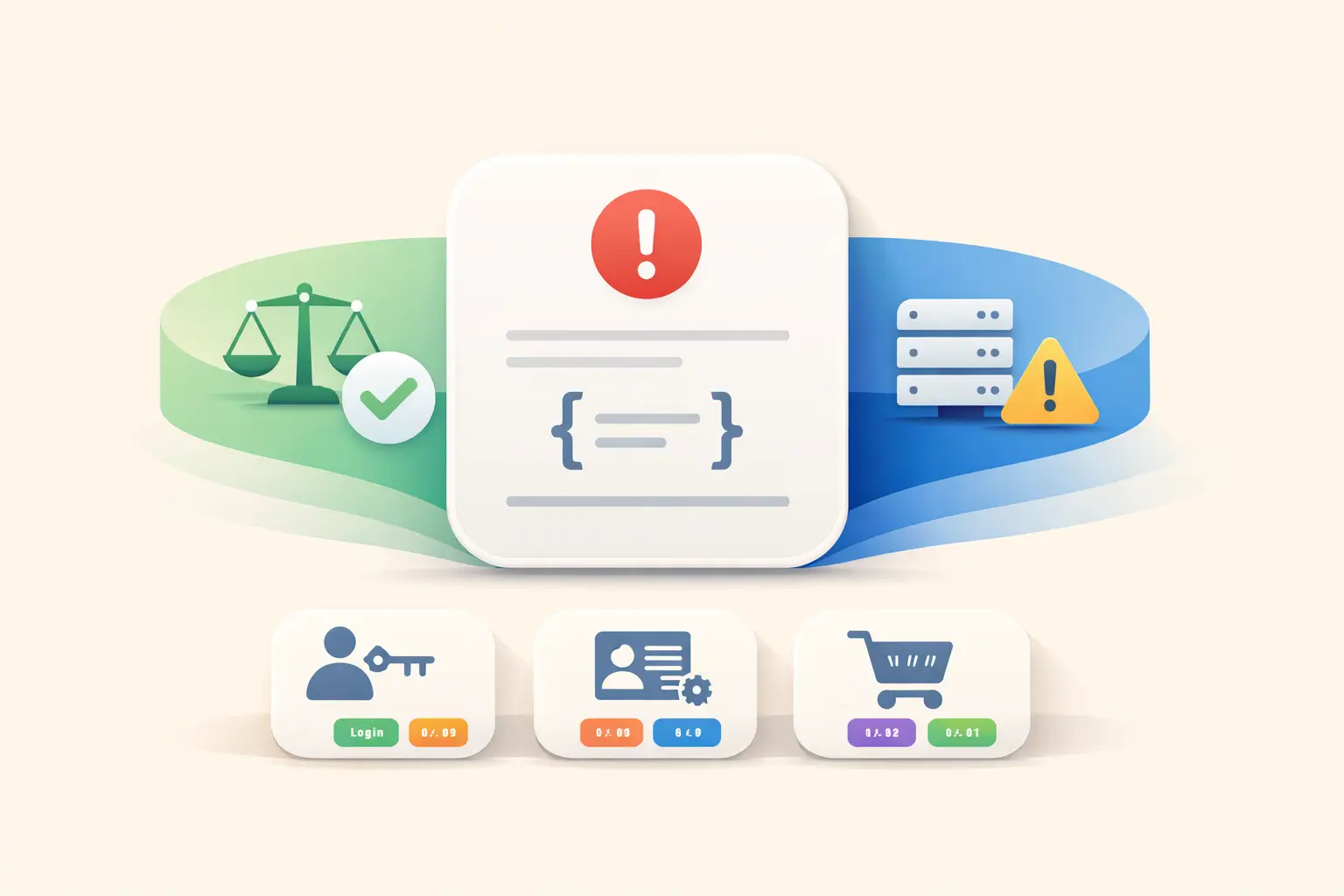
In real-world systems, exceptions are not just “errors” — they are part of how the system communicates outcomes. The key is knowing which outcomes are expected (business rules) and which indicate unintended failure (technical faults).
This post introduces a simple, scalable strategy:
Business Exception = expected based on entity values,
Technical Exception = unknown/unintended,
and shows how to turn business failures into predictable API responses using
ProblemDetails and bounded-context error-code ranges.
2. Business vs Technical Exceptions
Business Exception (Expected)
A business exception happens when the request is valid, understood, and authenticated — but the domain rules reject it based on entity state. This is an expected outcome that client code should be prepared to handle.
- Cart expired and checkout is not allowed
- Insufficient account balance for withdrawal
- Registration blocked due to duplicate email
Technical Exception (Unintended)
A technical exception represents an unintended failure — bug, infrastructure issue, dependency outage, or contract violation. The caller cannot fix it and should not be forced to interpret it as part of the domain contract.
- Database timeout / connection failure
- Null reference due to programmer error
- External service unavailable
3. How the System Should Behave for Business Exceptions
Since business exceptions are expected outcomes, the system should treat them as client-actionable results, not “system failures”.
| Behavior | What it means in practice |
|---|---|
| Deterministic | Same rule violation → same error code and response structure |
| Actionable | Clients can reliably decide what to do (change input, show message, retry later, etc.) |
| Not noisy | Usually log as Info/Warn; monitor trends instead of raising incidents |
| Stable contract | Error codes/keys remain stable across releases to avoid breaking clients |
| Safe messaging | Return domain-safe messages; keep internal diagnostics in logs only |
4. Error Code Ranges per Bounded Context
A practical pattern used in mature APIs is to allocate error code ranges per bounded context. This helps with observability, ownership, and predictable client-side handling.
| Bounded Context | Error Code Range | Examples |
|---|---|---|
| Login | 500 – 520 | Invalid credentials, locked account, MFA required |
| Registration | 520 – 550 | Email already exists, weak password, blocked domain |
| Cart | 600 – 630 | Cart expired, item unavailable, pricing changed |
Along with a numeric errorCode, keep a stable errorKey (e.g. CART_EXPIRED)
for readability and future localization.
5. ProblemDetails + HTTP Status Mapping
For APIs, you want business exceptions to translate into a consistent response shape.
ProblemDetails (RFC 7807) is a standard approach supported by ASP.NET Core.
Recommended mapping (simple and consistent)
- 400: request invalid (missing fields, invalid shape)
- 401 / 403: authentication / authorization outcomes
- 404: resource not found from caller’s perspective
- 409: valid request, but blocked by current domain state (very common for business rules)
- 422: domain validation failed (optional — pick one style and standardize)
Example: business exception returned as ProblemDetails
{
                        "type": "https://api.techwayfit.com/problems/business-rule",
                        "title": "Business rule violation",
                        "status": 409,
                        "detail": "Cart has expired and cannot be checked out.",
                        "extensions": {
                          "errorCode": 605,
                          "errorKey": "CART_EXPIRED",
                          "boundary": "Cart",
                          "correlationId": "e3f5c7b2..."
                        }
                      }
6. C# Exception Hierarchy Guidelines
Keep business and technical exceptions separate. This gives clarity to callers and helps your platform handle technical faults centrally.
Separate exception roots
public abstract class TechnicalException : Exception
                      {
                          protected TechnicalException(string message, Exception? inner = null)
                              : base(message, inner) { }
                      }

                      public abstract class BusinessException : Exception
                      {
                          public int ErrorCode { get; }
                          public string ErrorKey { get; }
                          public string Boundary { get; }

                          protected BusinessException(string boundary, int errorCode, string errorKey, string message)
                              : base(message)
                          {
                              Boundary = boundary;
                              ErrorCode = errorCode;
                              ErrorKey = errorKey;
                          }
                      }
Define bounded context code ranges
public static class ErrorCodeRanges
                      {
                          public static readonly (int Start, int End) Login = (500, 520);
                          public static readonly (int Start, int End) Registration = (520, 550);
                          public static readonly (int Start, int End) Cart = (600, 630);

                          public static bool InRange((int Start, int End) range, int code)
                              => code >= range.Start && code <= range.End;
                      }
Example: Cart expired business exception
public sealed class CartExpiredException : BusinessException
                      {
                          public CartExpiredException()
                              : base(boundary: "Cart",
                                     errorCode: 605,
                                     errorKey: "CART_EXPIRED",
                                     message: "Cart has expired and cannot be checked out.")
                          {
                              // Prefer enforcing via tests or a factory; shown inline for clarity.
                              if (!ErrorCodeRanges.InRange(ErrorCodeRanges.Cart, ErrorCode))
                                  throw new InvalidOperationException("Cart error code out of allowed range.");
                          }
                      }
7. ASP.NET Core Middleware: Translate Exceptions Once
Middleware is a clean place to translate exceptions into HTTP responses. It avoids repeating
try/catch in every controller and ensures consistent ProblemDetails output.
public sealed class ExceptionHandlingMiddleware
                      {
                          private readonly RequestDelegate _next;
                          private readonly ILogger<ExceptionHandlingMiddleware> _logger;

                          public ExceptionHandlingMiddleware(RequestDelegate next, ILogger<ExceptionHandlingMiddleware> logger)
                          {
                              _next = next;
                              _logger = logger;
                          }

                          public async Task Invoke(HttpContext context)
                          {
                              try
                              {
                                  await _next(context);
                              }
                              catch (BusinessException ex)
                              {
                                  await WriteBusinessProblemDetails(context, ex);
                              }
                              catch (TechnicalException ex)
                              {
                                  _logger.LogError(ex, "Technical failure");
                                  await WriteTechnicalProblemDetails(context);
                              }
                              catch (Exception ex)
                              {
                                  _logger.LogError(ex, "Unexpected failure");
                                  await WriteTechnicalProblemDetails(context);
                              }
                          }

                          private static async Task WriteBusinessProblemDetails(HttpContext context, BusinessException ex)
                          {
                              var problem = new ProblemDetails
                              {
                                  Title = "Business rule violation",
                                  Detail = ex.Message,
                                  Status = StatusCodes.Status409Conflict,
                                  Type = "https://api.techwayfit.com/problems/business-rule"
                              };

                              problem.Extensions["errorCode"] = ex.ErrorCode;
                              problem.Extensions["errorKey"] = ex.ErrorKey;
                              problem.Extensions["boundary"] = ex.Boundary;
                              problem.Extensions["correlationId"] = context.TraceIdentifier;

                              context.Response.StatusCode = problem.Status!.Value;
                              context.Response.ContentType = "application/problem+json";
                              await context.Response.WriteAsJsonAsync(problem);
                          }

                          private static async Task WriteTechnicalProblemDetails(HttpContext context)
                          {
                              var problem = new ProblemDetails
                              {
                                  Title = "Technical error",
                                  Detail = "An internal error occurred.",
                                  Status = StatusCodes.Status500InternalServerError,
                                  Type = "https://api.techwayfit.com/problems/technical-error"
                              };

                              problem.Extensions["correlationId"] = context.TraceIdentifier;

                              context.Response.StatusCode = problem.Status!.Value;
                              context.Response.ContentType = "application/problem+json";
                              await context.Response.WriteAsJsonAsync(problem);
                          }
                      }
Register middleware early:
app.UseMiddleware<ExceptionHandlingMiddleware>();8. Before vs After: Clear Contracts
Before (mixed meaning)
public void CheckoutCart(Guid cartId)
                      {
                          var cart = _repo.Load(cartId) ?? throw new Exception("Cart not found");

                          if (cart.IsExpired)
                              throw new Exception("Cart expired");

                          // ...
                      }
After (explicit business outcomes)
public void CheckoutCart(Guid cartId)
                      {
                          var cart = _repo.Load(cartId) ?? throw new CartNotFoundException(cartId);

                          if (cart.IsExpired)
                              throw new CartExpiredException();

                          // ...
                      }
9. Summary
Business exceptions are expected domain outcomes — treat them as part of your API contract with stable error codes, clear boundaries, and predictable ProblemDetails responses. Technical exceptions represent unintended failures — handle them centrally and keep them out of domain contracts.
🔜 Next: Result<T> vs Exceptions — when not to throw, and how to keep contracts explicit
Comments
Loading comments…