
Tokenization & Text Splitting Mechanics
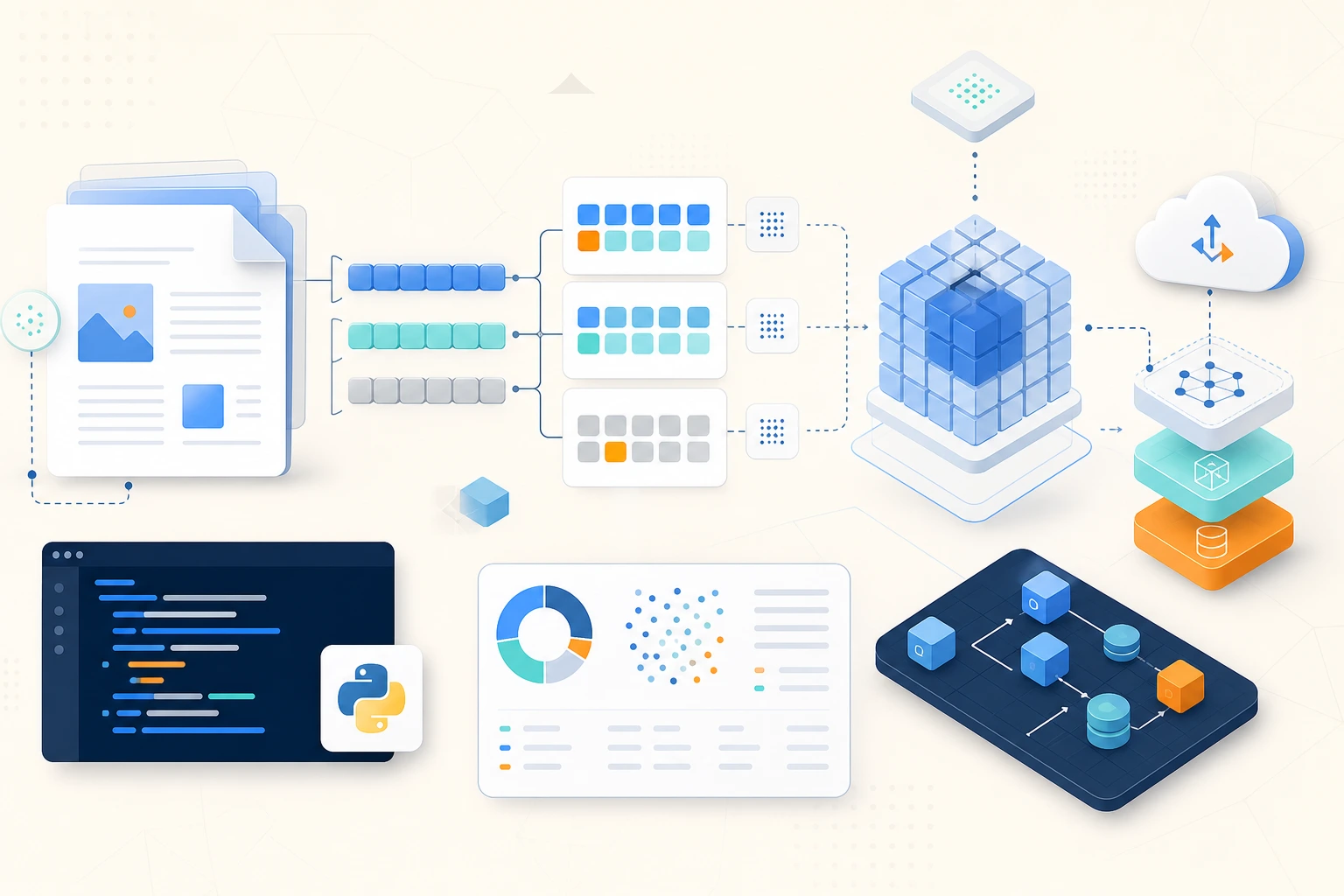
Tokenization is the bridge between human text and the numbers that LLMs actually process. Every pricing quote, every context window limit, every embedding dimension — they all ultimately connect back to tokens. Getting tokenization and chunking right is the foundation of effective RAG systems.
What Is a Token?
A token is the smallest unit of text that a language model processes. Tokens are not characters, not words — they're byte-pair encoded subword units. The same text tokenizes differently depending on the model's vocabulary.
import tiktoken

                      # cl100k_base is used by Claude (approximately) and GPT-4
                      enc = tiktoken.get_encoding("cl100k_base")

                      # Tokenize and inspect
                      text = "Retrieval-Augmented Generation is a powerful technique."
                      tokens = enc.encode(text)
                      print(f"Token count: {len(tokens)}")           # 10
                      print(f"Token IDs: {tokens}")                  # [87316, 12, 32,  ...] etc.

                      # Decode back to see token boundaries
                      for token_id in tokens:
                          token_bytes = enc.decode_single_token_bytes(token_id)
                          print(repr(token_bytes.decode("utf-8", errors="replace")))
                      # Output: 'Retrieval', '-', 'Aug', 'mented', ' Generation', ' is', ' a', ' powerful', ' technique', '.'

                      # Common rule of thumb: ~4 characters per token (English prose)
                      chars_per_token = len(text) / len(tokens)
                      print(f"Chars per token: {chars_per_token:.1f}")
Why Tokenization Matters for AI Engineering
- Cost: OpenAI charges per input + output token. A million-token run at GPT-4o pricing costs ~$2.50 input + ~$10 output. Count tokens before expensive batch runs.
- Context window limits: Claude 3.5 Sonnet has a 200K token context window. Fit your system prompt + retrieved context + conversation history within that limit.
- Chunk sizing: When you split documents for RAG, chunk size determines how much context each retrieved piece provides. Too small = insufficient context; too large = retrieved chunks contain irrelevant content.
- Embedding limits: Embedding models have their own token limits (typically 512–8192 tokens). Chunks must fit within the embedding model's window.
Counting Tokens in Practice
Tokens are the unit models bill and budget by, so counting them is a routine engineering task — for staying under context limits and estimating cost before you send a request. OpenAI's tiktoken library encodes text with the same tokenizer the model uses, so len(enc.encode(text)) gives an exact count rather than the rough "4 characters per token" guess. The helper below wraps this for messages and cost estimation.
import tiktoken
                      from openai import OpenAI

                      enc = tiktoken.get_encoding("cl100k_base")

                      def count_tokens(text: str) -> int:
                          """Estimate token count for a text string."""
                          return len(enc.encode(text))


                      def estimate_request_cost(
                          system_prompt: str,
                          messages: list[dict],
                          max_output_tokens: int = 1024,
                          model: str = "gpt-4o",
                      ) -> dict:
                          """
                          Estimate cost before making an API call.
                          Prices as of 2025 (verify current pricing at openai.com/pricing).
                          """
                          PRICING = {
                              "gpt-4o": {"input": 3.00, "output": 15.00},  # per 1M tokens
                              "gpt-4o-mini-20240307": {"input": 0.25, "output": 1.25},
                              "gpt-4o-20240229": {"input": 15.00, "output": 75.00},
                          }

                          prices = PRICING.get(model, PRICING["gpt-4o"])

                          input_tokens = count_tokens(system_prompt)
                          for msg in messages:
                              input_tokens += count_tokens(msg.get("content", "")) + 4  # overhead per message

                          input_cost = (input_tokens / 1_000_000) * prices["input"]
                          output_cost = (max_output_tokens / 1_000_000) * prices["output"]

                          return {
                              "estimated_input_tokens": input_tokens,
                              "max_output_tokens": max_output_tokens,
                              "estimated_cost_usd": round(input_cost + output_cost, 6),
                          }


                      # Check before an expensive batch run
                      for doc in large_document_batch:
                          estimate = estimate_request_cost(
                              system_prompt=SYSTEM_PROMPT,
                              messages=[{"role": "user", "content": doc["text"]}],
                          )
                          if estimate["estimated_input_tokens"] > 150_000:
                              print(f"Warning: {doc['id']} is very large ({estimate['estimated_input_tokens']} tokens)")
Text Splitting for RAG
Effective RAG depends on splitting documents into chunks that are large enough to carry meaningful context but small enough that retrieved chunks are focused. The naive approach (split every N characters) breaks mid-sentence and ruins retrieval quality.
Character-Based Splitting (Avoid)
The naive way to chunk a document for RAG is to cut it every N characters. It's shown here as the anti-pattern to recognize: it slices through the middle of words and sentences, so each chunk's embedding captures a garbled fragment and retrieval quality suffers. Understanding why this fails motivates the smarter splitters that follow.
# BAD: splits mid-sentence, destroys semantic coherence
                      def naive_split(text: str, chunk_size: int = 1000) -> list[str]:
                          return [text[i:i+chunk_size] for i in range(0, len(text), chunk_size)]

                      # "...retrieval systems work by converting text into vec"
                      # "tor representations called embeddings..." ← broken sentence
Sentence-Aware Splitting
A better approach respects sentence boundaries: split the text into sentences, then pack sentences into chunks until you approach the size limit. Each chunk holds complete thoughts, so its embedding is coherent. The trade-off is that a purely sentence-based splitter struggles with text that has few sentence breaks (code, tables), which is what the recursive splitter next addresses.
import re

                      def sentence_split(
                          text: str,
                          max_tokens: int = 500,
                          overlap_sentences: int = 1,
                      ) -> list[str]:
                          """
                          Split text into chunks at sentence boundaries.
                          Includes sentence overlap between consecutive chunks.
                          """
                          # Split into sentences
                          sentence_pattern = r'(?<=[.!?])\s+'
                          sentences = re.split(sentence_pattern, text.strip())
                          sentences = [s.strip() for s in sentences if s.strip()]

                          chunks = []
                          current_chunk: list[str] = []
                          current_tokens = 0

                          for sentence in sentences:
                              sentence_tokens = count_tokens(sentence)

                              if current_tokens + sentence_tokens > max_tokens and current_chunk:
                                  # Save current chunk
                                  chunks.append(" ".join(current_chunk))
                                  # Keep overlap sentences for next chunk
                                  current_chunk = current_chunk[-overlap_sentences:] if overlap_sentences else []
                                  current_tokens = sum(count_tokens(s) for s in current_chunk)

                              current_chunk.append(sentence)
                              current_tokens += sentence_tokens

                          if current_chunk:
                              chunks.append(" ".join(current_chunk))

                          return chunks
Recursive Character Splitting (Production Standard)
This is the strategy libraries like LangChain default to, and the one you'll ship. It tries to split on the largest natural boundary first — paragraphs — and only falls back to sentences, then words, then characters when a piece is still too big. The result keeps semantically related text together whatever the document's structure, and typically overlaps chunks slightly so context isn't lost at the seams.
class RecursiveTextSplitter:
                          """
                          Split text using a hierarchy of separators.
                          Tries each separator in order, falling back to smaller ones.
                          This is the approach used by LangChain's RecursiveCharacterTextSplitter.
                          """

                          DEFAULT_SEPARATORS = ["\n\n", "\n", ". ", "! ", "? ", ", ", " ", ""]

                          def __init__(
                              self,
                              chunk_size: int = 500,          # in tokens
                              chunk_overlap: int = 50,         # in tokens
                              separators: list[str] | None = None,
                          ):
                              self.chunk_size = chunk_size
                              self.chunk_overlap = chunk_overlap
                              self.separators = separators or self.DEFAULT_SEPARATORS

                          def split_text(self, text: str) -> list[str]:
                              """Recursively split text using the separator hierarchy."""
                              return self._split(text, self.separators)

                          def _split(self, text: str, separators: list[str]) -> list[str]:
                              if not separators:
                                  # Fallback: hard split by token
                                  return self._split_by_tokens(text)

                              separator = separators[0]
                              remaining = separators[1:]

                              if separator and separator in text:
                                  splits = text.split(separator)
                              else:
                                  return self._split(text, remaining)

                              # Merge small splits back together up to chunk_size
                              chunks = []
                              current_parts: list[str] = []
                              current_tokens = 0

                              for part in splits:
                                  part_tokens = count_tokens(part)

                                  if current_tokens + part_tokens <= self.chunk_size:
                                      current_parts.append(part)
                                      current_tokens += part_tokens
                                  else:
                                      if current_parts:
                                          chunk = separator.join(current_parts)
                                          chunks.append(chunk)
                                          # Start next chunk with overlap
                                          overlap_parts = self._get_overlap(current_parts, separator)
                                          current_parts = overlap_parts + [part]
                                          current_tokens = sum(count_tokens(p) for p in current_parts)
                                      else:
                                          # Part itself is too big — recurse with next separator
                                          sub_chunks = self._split(part, remaining)
                                          chunks.extend(sub_chunks)

                              if current_parts:
                                  chunks.append(separator.join(current_parts))

                              return [c for c in chunks if c.strip()]

                          def _get_overlap(self, parts: list[str], sep: str) -> list[str]:
                              """Get the last parts that fit within overlap token budget."""
                              overlap_parts = []
                              tokens = 0
                              for part in reversed(parts):
                                  t = count_tokens(part)
                                  if tokens + t > self.chunk_overlap:
                                      break
                                  overlap_parts.insert(0, part)
                                  tokens += t
                              return overlap_parts

                          def _split_by_tokens(self, text: str) -> list[str]:
                              """Hard split at token boundaries."""
                              tokens = enc.encode(text)
                              chunks = []
                              for i in range(0, len(tokens), self.chunk_size - self.chunk_overlap):
                                  chunk_tokens = tokens[i:i + self.chunk_size]
                                  chunks.append(enc.decode(chunk_tokens))
                              return chunks


                      # Usage
                      splitter = RecursiveTextSplitter(chunk_size=400, chunk_overlap=40)
                      document = "Your long document text here..."
                      chunks = splitter.split_text(document)
                      print(f"Split into {len(chunks)} chunks")
                      for i, chunk in enumerate(chunks[:3]):
print(f"\nChunk {i+1} ({count_tokens(chunk)} tokens):\n{chunk[:100]}...")For most RAG use cases, start with 400–600 tokens per chunk with 50–100 token overlap. For technical documentation or code, use smaller chunks (200–300 tokens) with more overlap. For narrative text, larger chunks (600–800 tokens) preserve paragraph-level context better. Always benchmark retrieval quality against your actual dataset — there's no universal answer.
Key Takeaways
- Tokens are subword units (~4 characters each for English) — not words, not characters; count them before every API call
- Use
tiktokento count tokens accurately; thecl100k_baseencoding approximates Claude's tokenizer - Never split text at fixed character positions — split at semantic boundaries (paragraphs, sentences) to preserve retrieval quality
- Chunk overlap (typically 10–20% of chunk size) prevents important context from being lost at chunk boundaries
- Recursive splitting tries coarse separators (paragraphs) first, falling back to fine-grained ones (sentences, spaces) only when needed
- Chunk sizing affects all downstream quality metrics — too small loses context, too large retrieves unfocused documents
Comments
Loading comments…